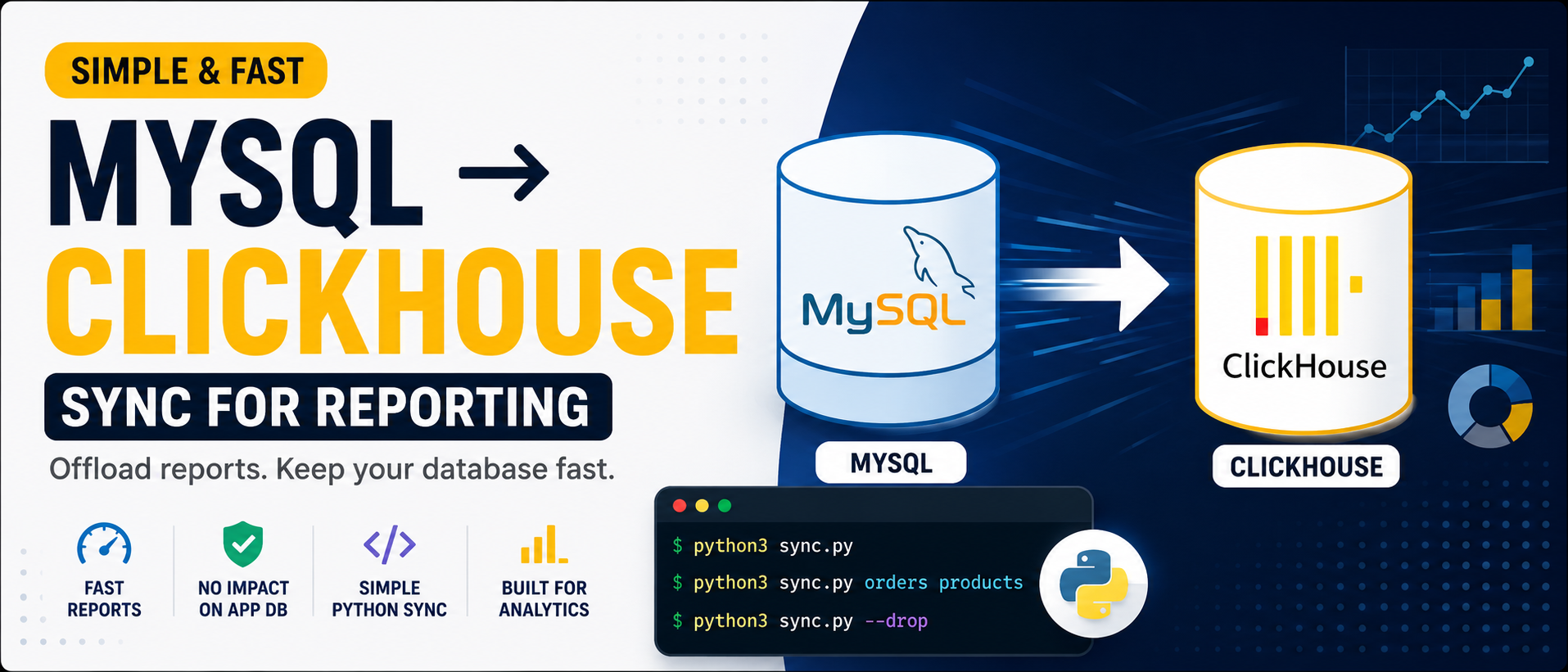
Simple MySQL → ClickHouse Sync for Reporting Data
I recently built a simple MySQL → ClickHouse sync pipeline using Python and Docker for reporting workloads.
The goal was not to build a perfect CDC system or complex data pipeline. I just needed a lightweight way to move reporting data from MySQL into ClickHouse so analytics queries could run separately.
The setup is simple, reproducible, and easy to extend later.
Running ClickHouse with Docker
First, I started ClickHouse locally using Docker.
docker run -d \
--name clickhouse \
--platform linux/arm64 \
-p 8123:8123 \
-p 9000:9000 \
-e CLICKHOUSE_USER=default \
-e CLICKHOUSE_PASSWORD=your_password \
clickhouse/clickhouse-server:latest
The Sync Approach
The sync flow is straightforward:
MySQL ↓ Python Sync Script ↓ ClickHouse
The Python script:
- Connects to MySQL
- Reads table schemas dynamically
- Creates ClickHouse tables automatically
- Maps MySQL types to ClickHouse types
- Syncs rows in batches
- Handles nullable fields and binary values
Running the Sync
Sync all predefined tables:
python3 sync.py
Sync only specific tables:
python3 sync.py orders products
Drop and recreate tables before syncing:
python3 sync.py --drop
The script supports both full syncs and selective table syncing.
⸻
Automatic Schema Mapping
The script dynamically converts MySQL column types into ClickHouse types.
Example mapping:
MySQL ClickHouse bigint Int64 int Int32 decimal Decimal datetime DateTime varchar/text String json String
Example logic:
def mysql_type_to_ch(mysql_type, is_nullable):
    if mysql_type.startswith("bigint"):
        ch = "Int64"
    elif mysql_type.startswith("datetime"):
        ch = "DateTime"
    else:
        ch = "String"
    if is_nullable:
        ch = f"Nullable({ch})"
    return ch

This removes the need to manually maintain reporting schemas.
Dynamic Table Creation
The script automatically generates ClickHouse tables based on MySQL schemas.
Example:
def build_create_table_sql(table, columns):
    return f"""
    CREATE TABLE IF NOT EXISTS `{table}` (
        ...
    )
    ENGINE = ReplacingMergeTree(_sync_version)
    ORDER BY (id)
    """
Additional metadata columns are also added:
_sync_version Int64 DEFAULT 1 _sync_is_deleted Int8 DEFAULT 0
This makes future incremental syncing easier later on.
Batch Syncing
Instead of loading everything into memory, rows are synced in batches.
BATCH_SIZE = 5000
SELECT * FROM table
LIMIT 5000 OFFSET 0
This keeps memory usage stable and works well for large datasets.
⸻
Handling Real-World Data
The script also handles common data issues such as:
- NULL values
- Binary fields
- Encoding problems
- Blob/text conversion
Example:
elif isinstance(val, bytes):
    clean_row.append(val.decode("utf-8"))

Without handling this properly, ClickHouse inserts can fail on real production data.
⸻
Full Python Sync Script
Below is the full simplified sync script used for the MySQL → ClickHouse sync pipeline.
#!/usr/bin/env python3
import sys
import time
import mysql.connector
import clickhouse_connect
MYSQL_CONFIG = {
    "host": "localhost",
    "port": 3306,
    "user": "root",
    "password": "",
    "database": "app_database",
}
CLICKHOUSE_CONFIG = {
    "host": "localhost",
    "port": 8123,
    "username": "default",
    "password": "your_password",
    "database": "default",
}
BATCH_SIZE = 5000
def mysql_type_to_ch(mysql_type: str, is_nullable: bool) -> str:
    t = mysql_type.lower()
    if t.startswith("bigint unsigned"):
        ch = "UInt64"
    elif t.startswith("bigint"):
        ch = "Int64"
    elif t.startswith("int"):
        ch = "Int32"
    elif t.startswith("decimal"):
        ch = "Decimal(10,4)"
    elif t.startswith("datetime") or t.startswith("timestamp"):
        ch = "DateTime"
    else:
        ch = "String"
    if is_nullable:
        ch = f"Nullable({ch})"
    return ch
TABLES = [
    "orders",
    "products",
    "customers",
]
def get_mysql_schema(cursor, table: str):
    cursor.execute(f"DESCRIBE `{table}`")
    columns = []
    for row in cursor.fetchall():
        columns.append({
            "name": row[0],
            "type": row[1],
            "nullable": row[2] == "YES",
        })
    return columns
def build_create_table_sql(table: str, columns):
    col_defs = []
    for col in columns:
        ch_type = mysql_type_to_ch(col["type"], col["nullable"])
        col_defs.append(f"`{col['name']}` {ch_type}")
    col_defs.append("`_sync_version` Int64 DEFAULT 1")
    col_defs.append("`_sync_is_deleted` Int8 DEFAULT 0")
    cols_str = ",\n".join(col_defs)
    return f"""
    CREATE TABLE IF NOT EXISTS `{table}` (
        {cols_str}
    )
    ENGINE = ReplacingMergeTree(_sync_version)
    ORDER BY (id)
    """
def sync_table(mysql_conn, ch_client, table: str, drop=False):
    cursor = mysql_conn.cursor()
    columns = get_mysql_schema(cursor, table)
    col_names = [c["name"] for c in columns]
    if drop:
        ch_client.command(f"DROP TABLE IF EXISTS `{table}`")
    create_sql = build_create_table_sql(table, columns)
    ch_client.command(create_sql)
    if not drop:
        ch_client.command(f"TRUNCATE TABLE IF EXISTS `{table}`")
    cursor.execute(f"SELECT COUNT(*) FROM `{table}`")
    total_rows = cursor.fetchone()[0]
    offset = 0
    while offset < total_rows:
        cursor.execute(
            f"SELECT * FROM `{table}` LIMIT {BATCH_SIZE} OFFSET {offset}"
        )
        rows = cursor.fetchall()
        if not rows:
            break
        rows_with_meta = [list(row) + [1, 0] for row in rows]
        clean_rows = []
        for row in rows_with_meta:
            clean_row = []
            for val in row:
                if isinstance(val, bytes):
                    clean_row.append(val.decode("utf-8", errors="ignore"))
                else:
                    clean_row.append(val)
            clean_rows.append(clean_row)
        ch_client.insert(
            table,
            clean_rows,
            column_names=col_names + ["_sync_version", "_sync_is_deleted"],
        )
        offset += BATCH_SIZE
    cursor.close()
if __name__ == "__main__":
    args = sys.argv[1:]
    drop = "--drop" in args
    args = [a for a in args if a != "--drop"]
    tables_to_sync = args if args else TABLES
    mysql_conn = mysql.connector.connect(**MYSQL_CONFIG)
    ch_client = clickhouse_connect.get_client(**CLICKHOUSE_CONFIG)
    start = time.time()
    for table in tables_to_sync:
        print(f"Syncing {table}...")
        sync_table(mysql_conn, ch_client, table, drop=drop)
    print(f"Done in {time.time() - start:.1f}s")
    mysql_conn.close()
    ch_client.close()
Common Pitfalls
OFFSET becomes slow on huge tables
For very large datasets, cursor-based or incremental syncing is usually better.
MySQL types do not always map perfectly
Especially:
- ENUM
- JSON
- BLOB
- Decimal edge cases
Full reloads do not scale forever
Eventually incremental syncing or CDC becomes necessary.
Key Takeaways
- Simple scripts can handle a lot of reporting workloads
- Automatic schema generation reduces maintenance
- Batch syncing keeps memory usage stable
- ClickHouse works very well for reporting pipelines
- You do not always need Kafka, Debezium, or Airflow at the beginning
Sometimes a small Python sync script is enough to build a practical reporting pipeline.